> ## Documentation Index
> Fetch the complete documentation index at: https://www.marqeta.com/docs/llms.txt
> Use this file to discover all available pages before exploring further.
# About UX Toolkit
> UX Toolkit empowers you to customize UI components that enable your cardholders to learn about, take action on, and enjoy their card and account securely.
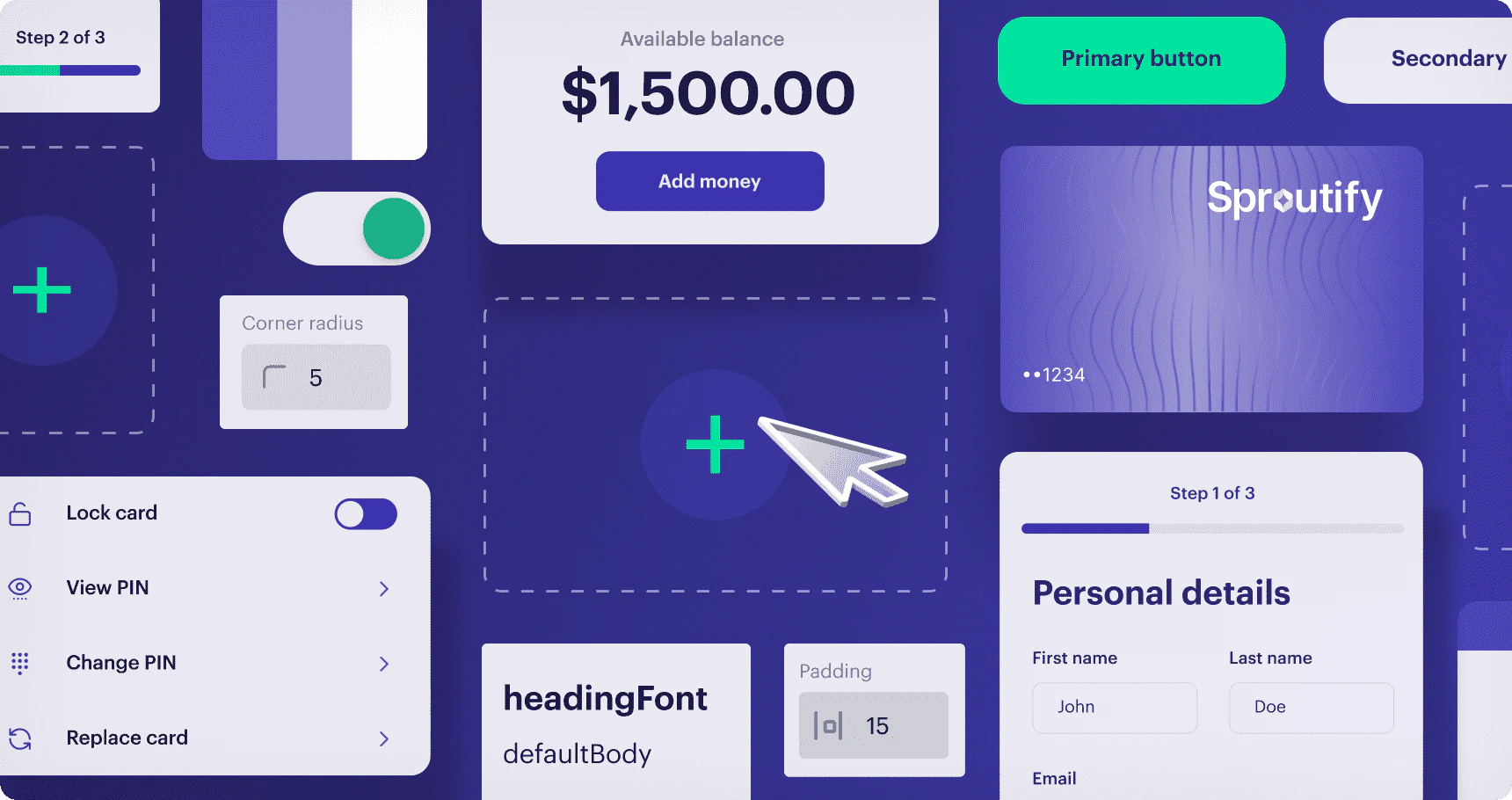
UX Toolkit empowers you to build sleek, intuitive interfaces for your applications quickly—it enables secure card activities in your application while limiting your data security compliance burden. UX Toolkit provides a library of highly customizable UI components built on top of Marqeta’s proven API capabilities.
By integrating Marqeta’s UI components, you can build a responsive cardholder-facing UI with minimal development effort that includes features enabling your cardholders to manage their cards, as well as view their account balance and recent transaction history.
 * Low-code implementation cuts down on development time and helps you launch a branded, embedded program more quickly.
* Fully compliant, accessible UI components that meet industry standards for compliance, security, fraud prevention, and accessibility. In addition, these components have undergone thorough legal, banking, and card network reviews, ensuring they meet the necessary standards for financial transactions.
* Rich customer branding enables you to customize your program’s look-and-feel to align with your brand language.
* Create, test, and manage your brand’s unique theme in real-time for a consistent cardholder experience.
* The UX Toolkit web components are platform-agnostic, meaning they can be seamlessly integrated into any technology stack you plan to use for your application.
**Important**\
This version of UX Toolkit supports prepaid and debit card programs in the United States, Canada, and the EU.
* Low-code implementation cuts down on development time and helps you launch a branded, embedded program more quickly.
* Fully compliant, accessible UI components that meet industry standards for compliance, security, fraud prevention, and accessibility. In addition, these components have undergone thorough legal, banking, and card network reviews, ensuring they meet the necessary standards for financial transactions.
* Rich customer branding enables you to customize your program’s look-and-feel to align with your brand language.
* Create, test, and manage your brand’s unique theme in real-time for a consistent cardholder experience.
* The UX Toolkit web components are platform-agnostic, meaning they can be seamlessly integrated into any technology stack you plan to use for your application.
**Important**\
This version of UX Toolkit supports prepaid and debit card programs in the United States, Canada, and the EU.
Features
Depending on your application, you can include any or all of the following UI components.
[Manage cards](/developer-guides/uxt-web-components/#_card_management_components) via these common cardholder operations:
* Activate card
* Select a card from a list
* Set and manage PIN
* Reveal PIN
* View and copy card details
* Lock/unlock card
* Report a card as lost or stolen
* Replace a damaged card
* Add a card to a mobile wallet (future development)
[Display an account balance](/developer-guides/uxt-web-components/#_account_component) and show your cardholders the details of their accounts:
* View account balance
* View deposit account details
* Download statements
View a list of [recent transactions](/developer-guides/uxt-web-components/#_transaction_component):
* Filter transactions
* View details of a transaction that is being disputed
[Fund an account](/developer-guides/uxt-web-components/#_account_funding_money_movement_components) from linked external accounts:
* View, link, and manage external funding sources
* Pull funds from a linked funding source to your cardholder’s account
File a [dispute](/developer-guides/uxt-web-components/#_file_dispute_component) on a settled transaction:
* Fraud
* Consumer disputes
* Processing disputes
[Onboard](/developer-guides/uxt-web-components/#_onboarding_form) users to the Marqeta platform:
* Create a user account on the Marqeta platform
* Perform basic KYC identity verification
Concepts
Data security compliance
Companies that store, transmit, or process sensitive card data, including the primary account number (PAN), card verification value (CVV2), expiration date, and personal identification number (PIN) must comply with the Payment Card Industry Data Security Standard (PCI DSS). Achieving PCI DSS certification is both time consuming and expensive.
UX Toolkit offloads some of the PCI compliance burden (for certain use cases) by enabling the encrypted transmission of sensitive card data. Marqeta is fully PCI-Service Provider Level 1 compliant and handles the unencrypted sensitive card data for you. Your servers never store, transmit, or process the card data.
**Warning**\
Card data is less secure when copied to the clipboard than when left in a PCI-compliant component. Cardholders should adopt data security best practices and take precautions to keep their sensitive data safe.
Dynamic card data iframes
The iframes injected by UX Toolkit enable you to control the styling and layout of the HTML pages you serve to client applications, while delegating secure handling of sensitive data to Marqeta servers. You create and style the UI components using [Studio](https://studio.ux-toolkit.marqeta.com), and UX Toolkit inserts the customized components into the page locations specified in your application’s HTML.
**Tip**\
To display virtual cards within a mobile application, you can embed the iframes using a webview.
The following process describes how the UX Toolkit components are injected into your application using native web components and iframes.
 Your cardholder logs in to your application.
Your application renders the page and calls the `bootstrap()` function, while passing in your Customer Authentication API URL.
Your backend and Marqeta’s OAuth endpoint use the Demonstrating Proof of Possession (DPoP)-based OAuth flow. At the end of this flow, your Customer Authentication API sends the resulting access token back to the UX Toolkit client.
The UI component requests account user and program data from the Marqeta platform.
The account user and program data is fetched, validated, and returned by the Marqeta platform.
The UI component makes a request to the Marqeta platform via the iframe endpoint for the PCI data associated with the specific account.
The Marqeta platform injects the account data into the HTML container.
Your application securely displays the requested PCI data in an iframe.
For step-by-step instructions on how to set up UX Toolkit, including a tutorial, see [UX Toolkit Getting Started](/developer-guides/uxt-getting-started/).
Your cardholder logs in to your application.
Your application renders the page and calls the `bootstrap()` function, while passing in your Customer Authentication API URL.
Your backend and Marqeta’s OAuth endpoint use the Demonstrating Proof of Possession (DPoP)-based OAuth flow. At the end of this flow, your Customer Authentication API sends the resulting access token back to the UX Toolkit client.
The UI component requests account user and program data from the Marqeta platform.
The account user and program data is fetched, validated, and returned by the Marqeta platform.
The UI component makes a request to the Marqeta platform via the iframe endpoint for the PCI data associated with the specific account.
The Marqeta platform injects the account data into the HTML container.
Your application securely displays the requested PCI data in an iframe.
For step-by-step instructions on how to set up UX Toolkit, including a tutorial, see [UX Toolkit Getting Started](/developer-guides/uxt-getting-started/).
Studio environment
[Studio](https://studio.ux-toolkit.marqeta.com) is an interactive theming environment where you are encouraged to explore, customize, and gain a comprehensive understanding of how to leverage UX Toolkit properties such as colors and font size in your application’s components. Studio enables you to interact hands-on with each component in a secure sandbox environment, experimenting with various configurations and functionalities.
The various configuration values you develop using Studio are collectively referred to as a *theme*. Once you have finalized your application’s theme and behaviors using the Studio environment, you use a Marqeta endpoint `POST /theme` to upload it to the Marqeta platform for use with your card program. For details on how to use this endpoint, see its [API reference](/core-api/uxt-sdk/#post_theme_by_name) page.
API endpoints for interacting with Marqeta
Marqeta API endpoints are available for authenticating with the Marqeta platform and for uploading your application’s theme to Marqeta, once you have finalized it in [Studio](https://studio.ux-toolkit.marqeta.com).
For more information about how to use these endpoints, including sample request and response bodies, refer to the API reference documentation for [Authentication](/core-api/uxt-sdk/#_generate_ux_toolkit_oauth_access_token) and [Uploading a Studio Theme](/core-api/uxt-sdk/#post_theme_by_name).
For details on how to authenticate, see the [Authentication workflow](/developer-guides/uxt-getting-started/#_authentication_workflow) section of [UX Toolkit Getting Started](/developer-guides/uxt-getting-started/).