

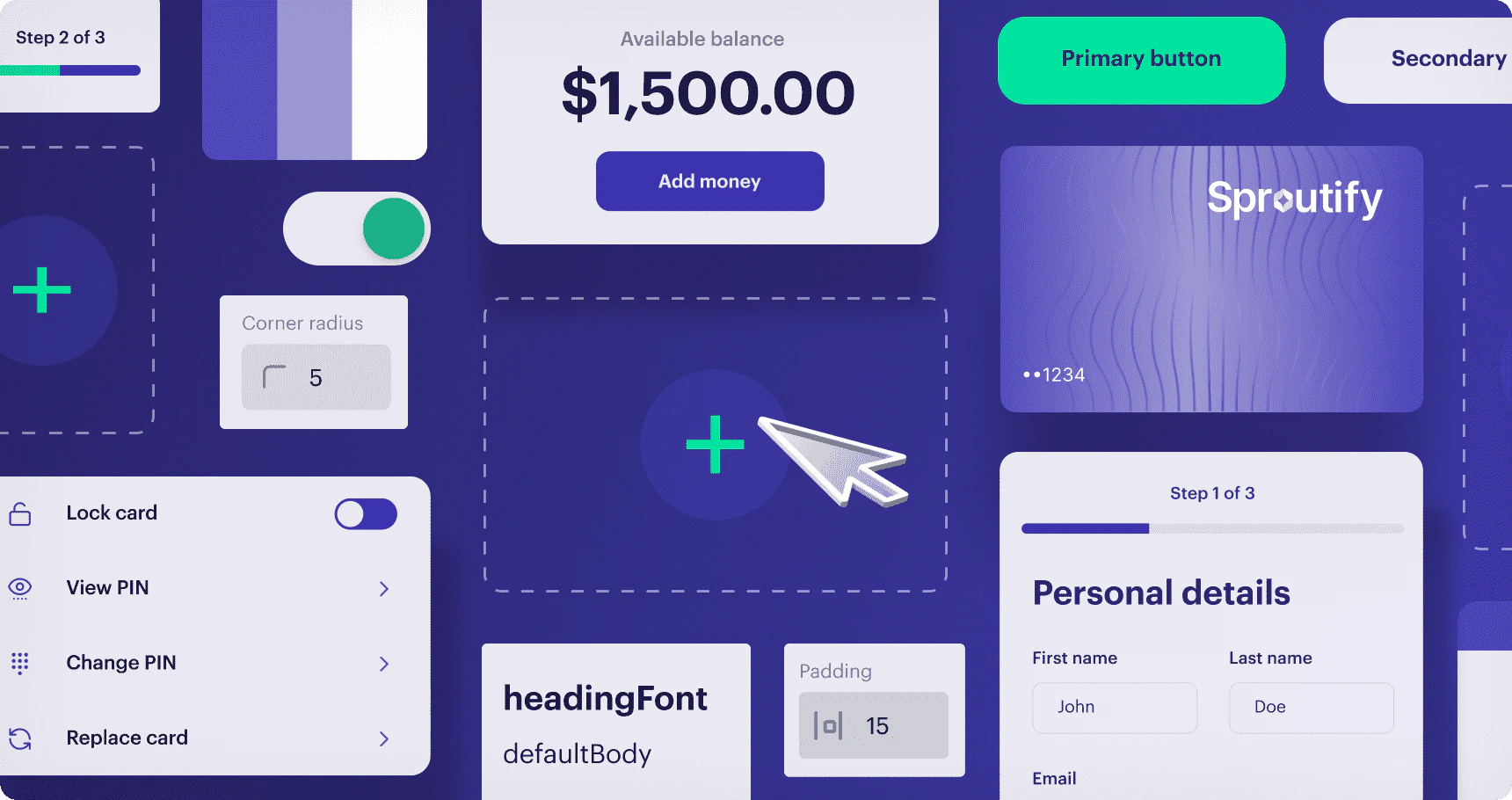
Why build with UX Toolkit?
- Low-code implementation cuts down on development time and helps you launch a branded, embedded program more quickly.
- Fully compliant, accessible UI components that meet industry standards for compliance, security, fraud prevention, and accessibility. These components have undergone thorough legal, banking, and card network reviews, ensuring they meet the necessary standards for financial transactions.
- Rich customer branding enables you to customize your program’s look-and-feel to align with your brand language.
- Real-time theming. Create, test, and manage your brand’s unique theme in real-time for a consistent cardholder experience.
- The UX Toolkit web components are platform-agnostic, meaning they can be seamlessly integrated into any technology stack you plan to use for your application.
Components in UX Toolkit
UX Toolkit ships a library of customizable UI components grouped by capability. The list below summarizes what’s available; for the canonical, interactive reference (props, events, and a live preview of every component), see Studio — Studio is built directly from the web components’ source and is always up-to-date.Card Management
mq-card- display card details (front, back, copy)mq-card-list- let cardholders select a card from a listmq-card-actions- lock/unlock, report lost or stolen, replace damagedmq-activate-card- activate a new cardmq-set-pin- set or change a PINmq-reveal-pin- securely reveal PINmq-replace-card- replace a damaged card
Accounts
mq-account- view account balance and deposit account details
Transactions
mq-transaction-list- filtered list of recent transactionsmq-transaction- details for a single transaction, including dispute status
Statements
mq-statement-list— view and download statements for credit, checking, and savings accounts, filtered by year.
Account Funding (money movement)
mq-external-account-list— view, link, and manage external funding sourcesmq-link-external-card— link an external card as a funding sourcemq-transfer-funds— pull funds from a linked source into the cardholder’s account
Disputes
mq-file-dispute— file a dispute on a settled transaction (fraud, consumer, or processing)
Onboarding
mq-onboarding-form— create a user account on the Marqeta platform and perform basic KYC verification
Concepts
Data security compliance
Companies that store, transmit, or process sensitive card data, including the primary account number (PAN), card verification value (CVV2), expiration date, and personal identification number (PIN) must comply with the Payment Card Industry Data Security Standard (PCI DSS). Achieving PCI DSS certification is both time consuming and expensive. UX Toolkit offloads some of the PCI compliance burden (for certain use cases) by enabling the encrypted transmission of sensitive card data. Marqeta is fully PCI-Service Provider Level 1 compliant and handles the unencrypted sensitive card data for you. Your servers never store, transmit, or process the card data.Warning
Card data is less secure when copied to the clipboard than when left in a PCI-compliant component. Cardholders should adopt data security best practices and take precautions to keep their sensitive data safe.
Card data is less secure when copied to the clipboard than when left in a PCI-compliant component. Cardholders should adopt data security best practices and take precautions to keep their sensitive data safe.
Dynamic card data iframes
The iframes injected by UX Toolkit enable you to control the styling and layout of the HTML pages you serve to client applications, while delegating secure handling of sensitive data to Marqeta servers. You create and style the UI components using Studio, and UX Toolkit inserts the customized components into the page locations specified in your application’s HTML.UX Toolkit platform overview
The following process describes how the UX Toolkit components are injected into your application using native web components and iframes.
1
Your cardholder signs in to your application.
2
Your application renders the page and calls the
bootstrap() function, passing in your Customer Authentication API URL.3
Your backend and the Marqeta OAuth endpoint use the Demonstrating Proof of Possession (DPoP)-based OAuth flow. At the end of this flow, your Customer Authentication API sends the resulting access token back to the UX Toolkit client.
4
The UI component requests account user and program data from the Marqeta platform.
5
The account user and program data is fetched, validated, and returned by the Marqeta platform.
6
The UI component requests the PCI data associated with the specific account from the Marqeta platform via the iframe endpoint.
7
The Marqeta platform injects the account data into the HTML container.
8
Your application securely displays the requested PCI data in an iframe.
Studio environment
Studio is an interactive theming environment where you can explore, customize, and gain a comprehensive understanding of UX Toolkit components. Studio enables you to interact hands-on with each component in a secure sandbox environment, experimenting with various configurations and functionalities. The configuration values you develop in Studio are collectively referred to as a theme. Once you have finalized your theme in Studio, you upload it to the Marqeta platform via thePOST /theme endpoint for use with your card program. For details on the theming workflow, including designing in Studio and uploading the resulting theme, see the Customizing UX Toolkit page.
API endpoints for interacting with Marqeta
Marqeta API endpoints are available for authenticating with the Marqeta platform and for uploading the assets that drive your branded UX Toolkit experience - themes, card art, and localization files.- Authentication. UX Toolkit uses a DPoP-based OAuth 2.0 flow. You must build a Customer Authentication API on your backend that exchanges credentials with the Marqeta OAuth endpoint and returns an access token to the UX Toolkit client. For full instructions, see Customer Authentication API.
- Theme upload. After you finalize a theme in Studio, you upload it via
POST /theme. See the Themes section of Customizing UX Toolkit for the workflow and the API call. - Card art upload. Upload custom front, back, and thumbnail images for each card product via
POST /cardproducts/cardart. See the Card art section of Customizing UX Toolkit for specifications and the API call. - Localization (translation files) upload. Upload custom translation files to display UX Toolkit components in your target language via the
/translationsendpoint. See the Translations section of Customizing UX Toolkit for the workflow and the API call.