Managing users in the Marqeta Dashboard
Administrators of the Marqeta platform can manage users who are on the same email domain as their own. Only an administrator can make changes to user contact information (such as a phone number) or the user’s authentication preference from within the Marqeta Dashboard. To update user information, an administrator can perform the following steps:1
Log into app.marqeta.com.
2
Go to Control Center > User Profiles.
3
Filter the table to identify the user whose information requires updating.
4
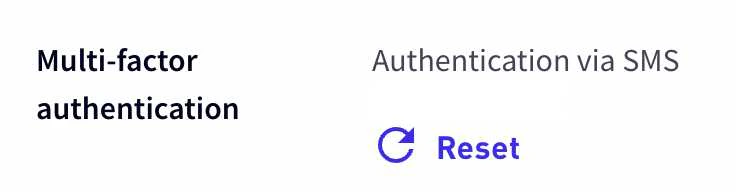
Click the user’s name to open a pane on the right side of the window that displays the user’s MFA method preference.
5
Click the Reset icon shown below to reset the multi-factor authentication preference. The user will see a prompt to reset their multi-factor authentication preferences the next time they login to the Marqeta Dashboard.
Updating a user profile
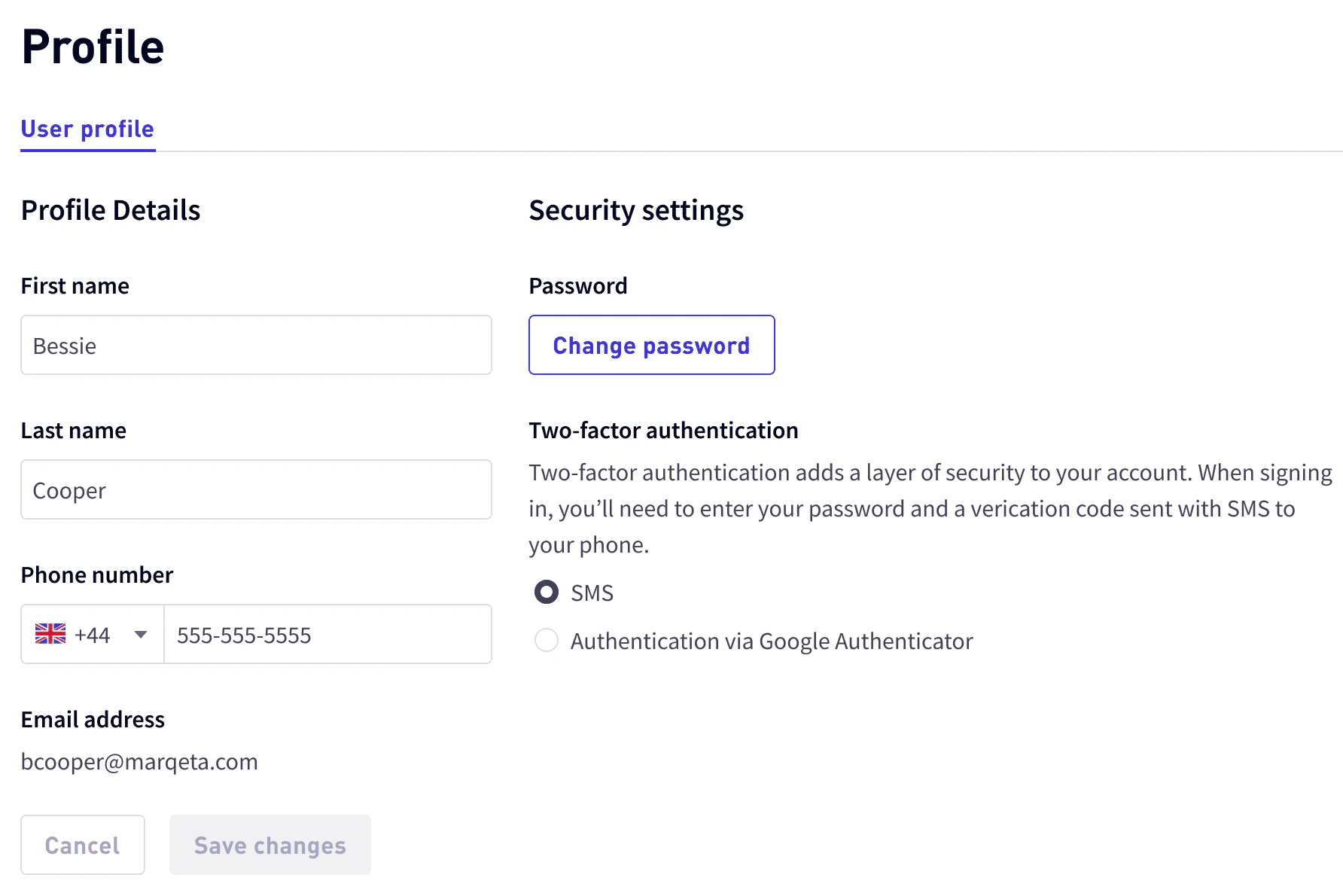
If the user has chosen to authenticate via SMS but no longer has access to the mobile number that was registered with their device, an administrator can update that number within the user’s account. To update a user’s mobile number, perform the following steps:1
Log into app.marqeta.com.
2
Go to Control Center > User Profiles.
3
Click Edit on the User Profiles page.
4
Select Authentication via SMS for the user’s multi-factor authentication preference.
5
Enter the new mobile number. Be sure to use the correct country code. For example, the country code for the United Kingdom is
44.6
Save your selection to update the mobile number. All changes will take effect the next time the user logs in to the Marqeta Dashboard.