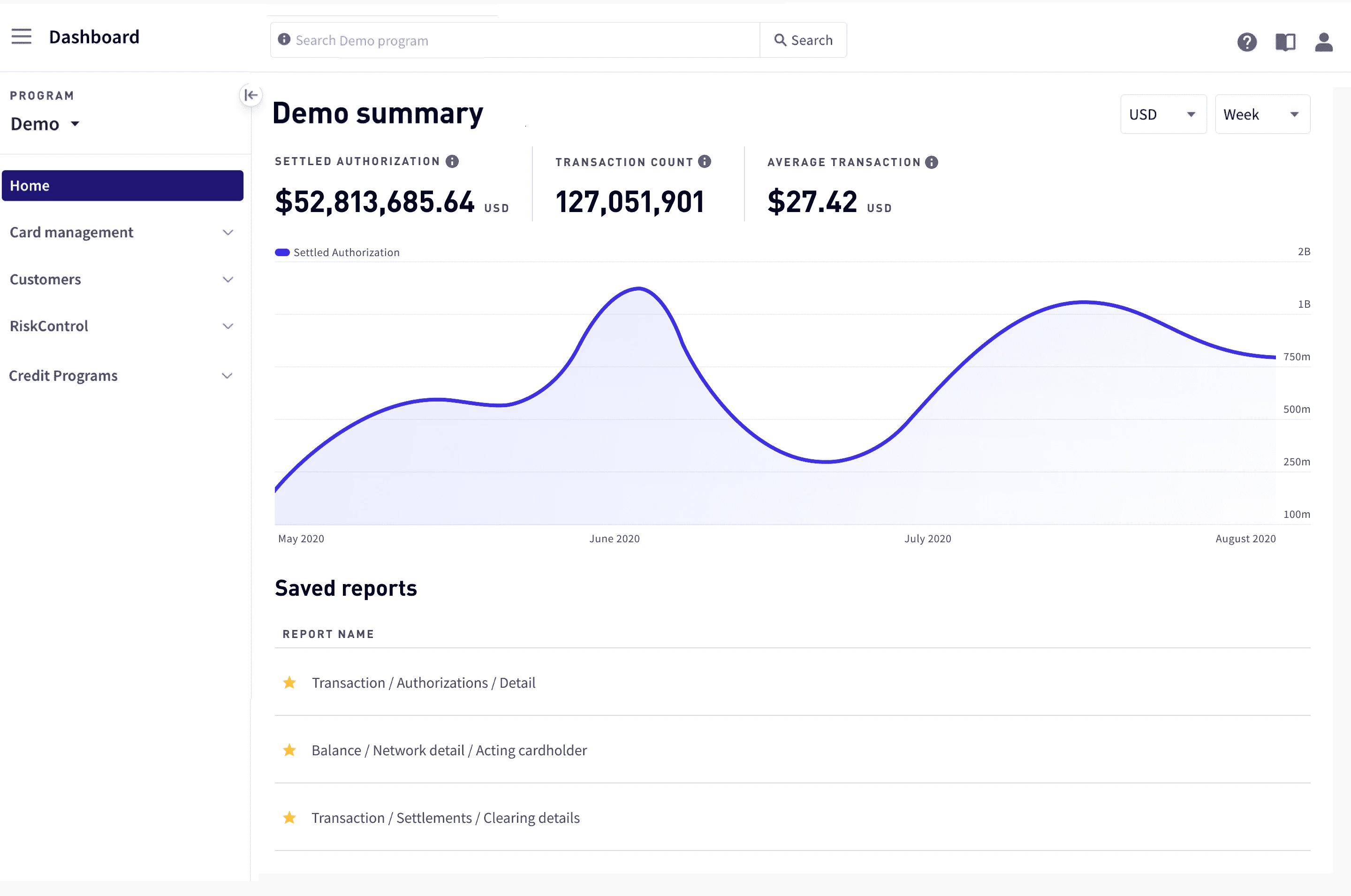
Home provides an overview of your program’s activity for the last day, week, or month; you can also find links to saved reports here.
Home
To access Home, go to the Marqeta Dashboard and select Home from the sidebar.

Your program’s activity

A summary of the authorization volume, decline volume, and the average transaction amount are displayed, along with a graph of Settled Authorizations and Declined Authorizations for the current program. To change the interval, select Week or Month in the upper-right corner. To change the currency, select a value in the upper-right corner.

Saved reports

Links to any saved reports are available at the bottom of the page. When you choose a report link, the report opens in Reports. For information on reports, see Reports in the Dashboard.