- Explore your card program data by generating reports and visualizations, including custom reports that you can use to better understand your business.
- Manage your users, cards, and businesses, including tasks such as replacing a card, reporting a card stolen, or initiating a dispute.
- Create cards individually or in bulk.
- Access developer tools for integrating with the Marqeta platform.
- View audit logs.
- Enable ACH Direct Deposit.
- Enable 3D Secure authentication and PIN Reveal.
- Manage Dashboard users by controlling access, viewing and editing user information, adding users, and defining roles.
Access the Marqeta Dashboard
To access the Marqeta Dashboard, go to app.marqeta.com in your browser. In the login window:- If you have an existing account, enter your username and password and select Sign In.
- If you do not have an account, request access to a live Marqeta Dashboard program by contacting your organization’s administrator or your Marqeta Customer Success Representative.
Warning
After five unsuccessful login attempts, you will be locked out of your account for one hour. Some Dashboard features require that you have the specific supplement for that feature granted by an administrator.
After five unsuccessful login attempts, you will be locked out of your account for one hour. Some Dashboard features require that you have the specific supplement for that feature granted by an administrator.
About the Marqeta Dashboard
The Marqeta Dashboard provides these main areas of functionality:
To start exploring the Marqeta Dashboard, use the content switcher in the upper-left corner and the sidebar on the left to navigate through the main functional areas.
View a summary of program activity
Home displays your program’s activity for the last day, week, or month; you can also find links to saved reports here: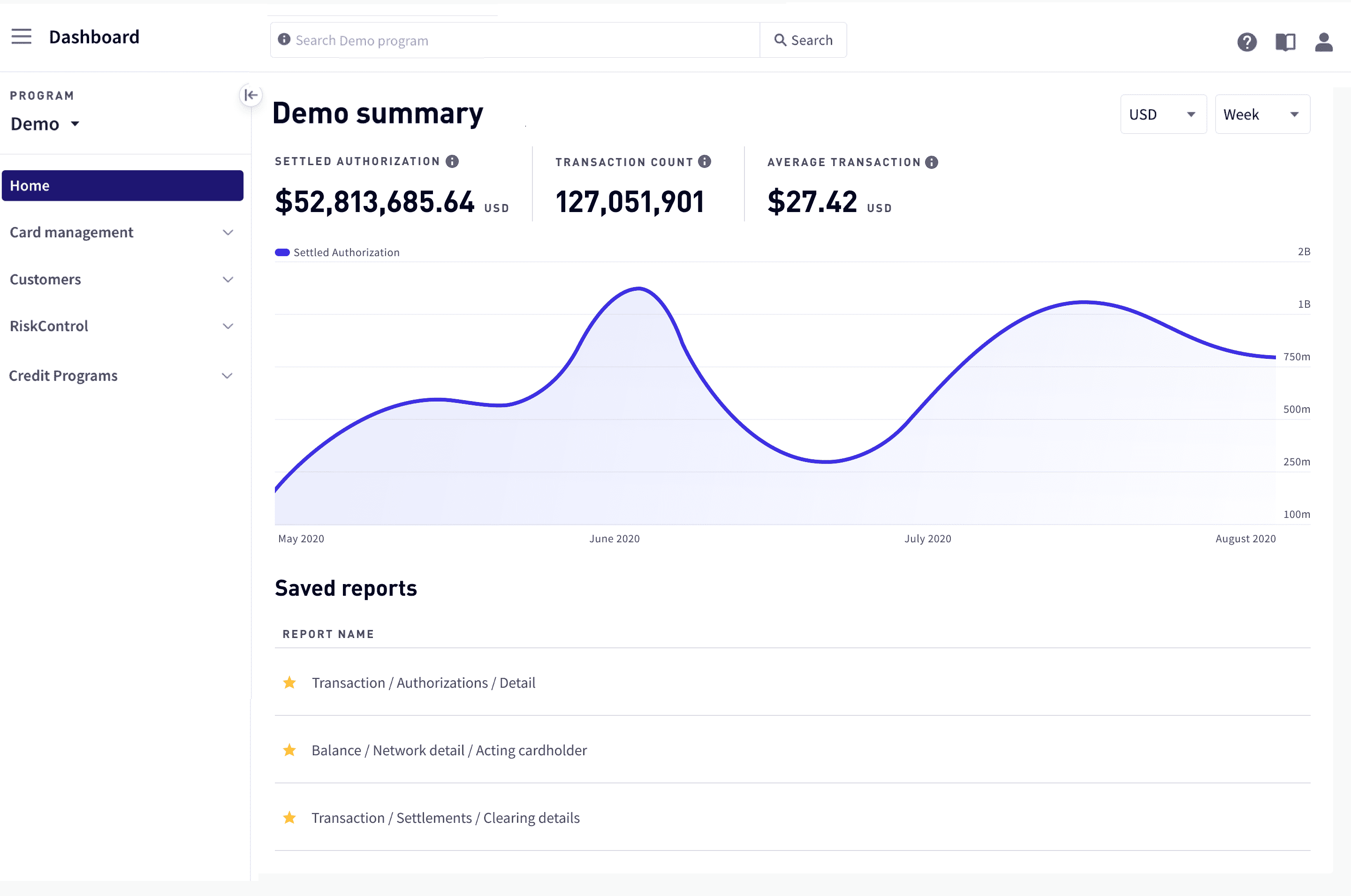
Generate reports and create visualizations
Use Reports to explore your data on the Marqeta platform. Reports aggregate and curate your data to help you make data-driven business decisions. You can generate reports on your business, such as the number of authorizations or declines, and filter and sort the data.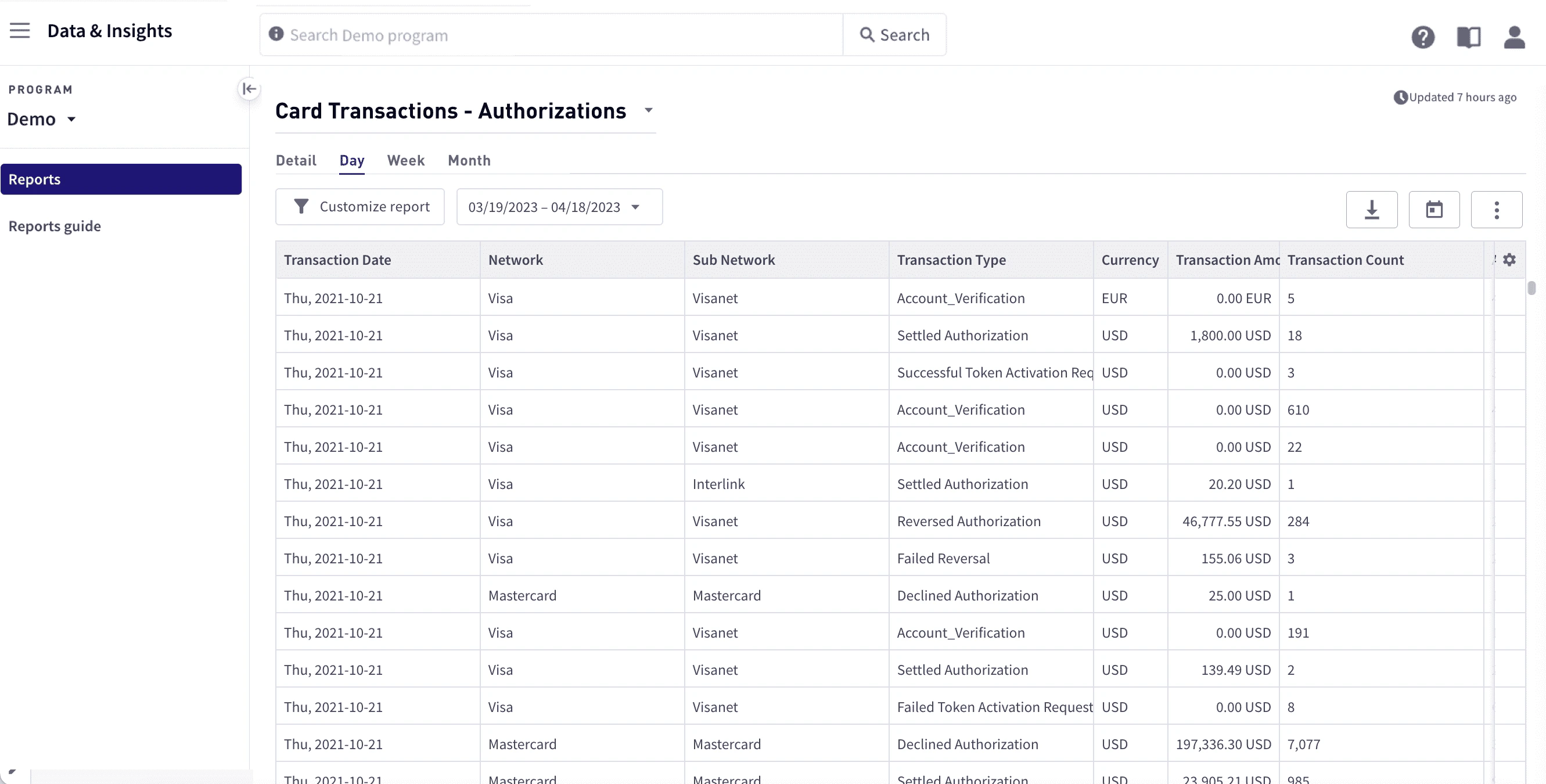
Manage your cards and card programs
Use Card Management to manage your cards and card programs.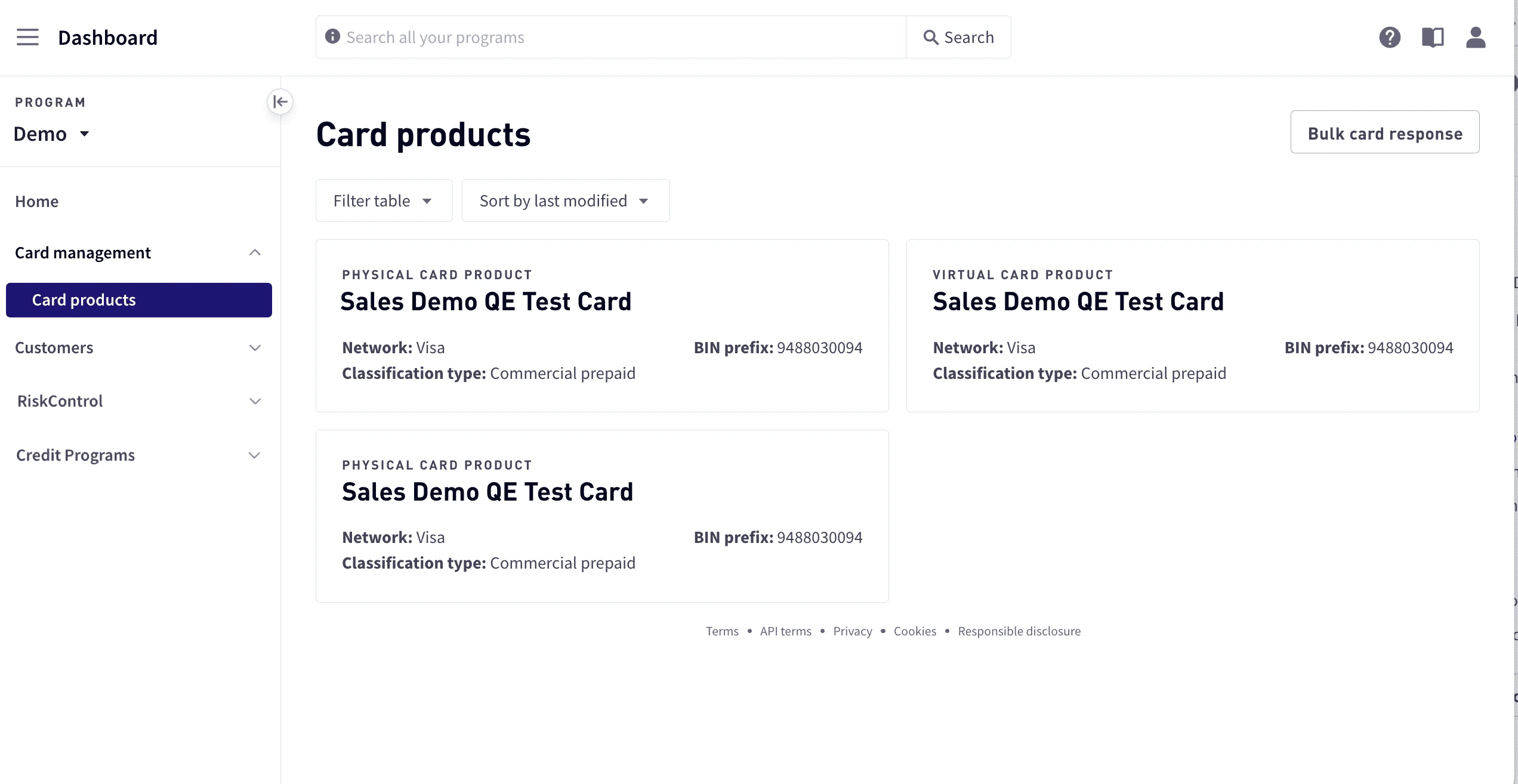
- View all configured card products (virtual and physical) and relevant information.
- Order cards from existing card products (both single or in bulk).
- View the results of bulk card ordering file uploads.
Manage your customers
Use Customers to manage your users and businesses.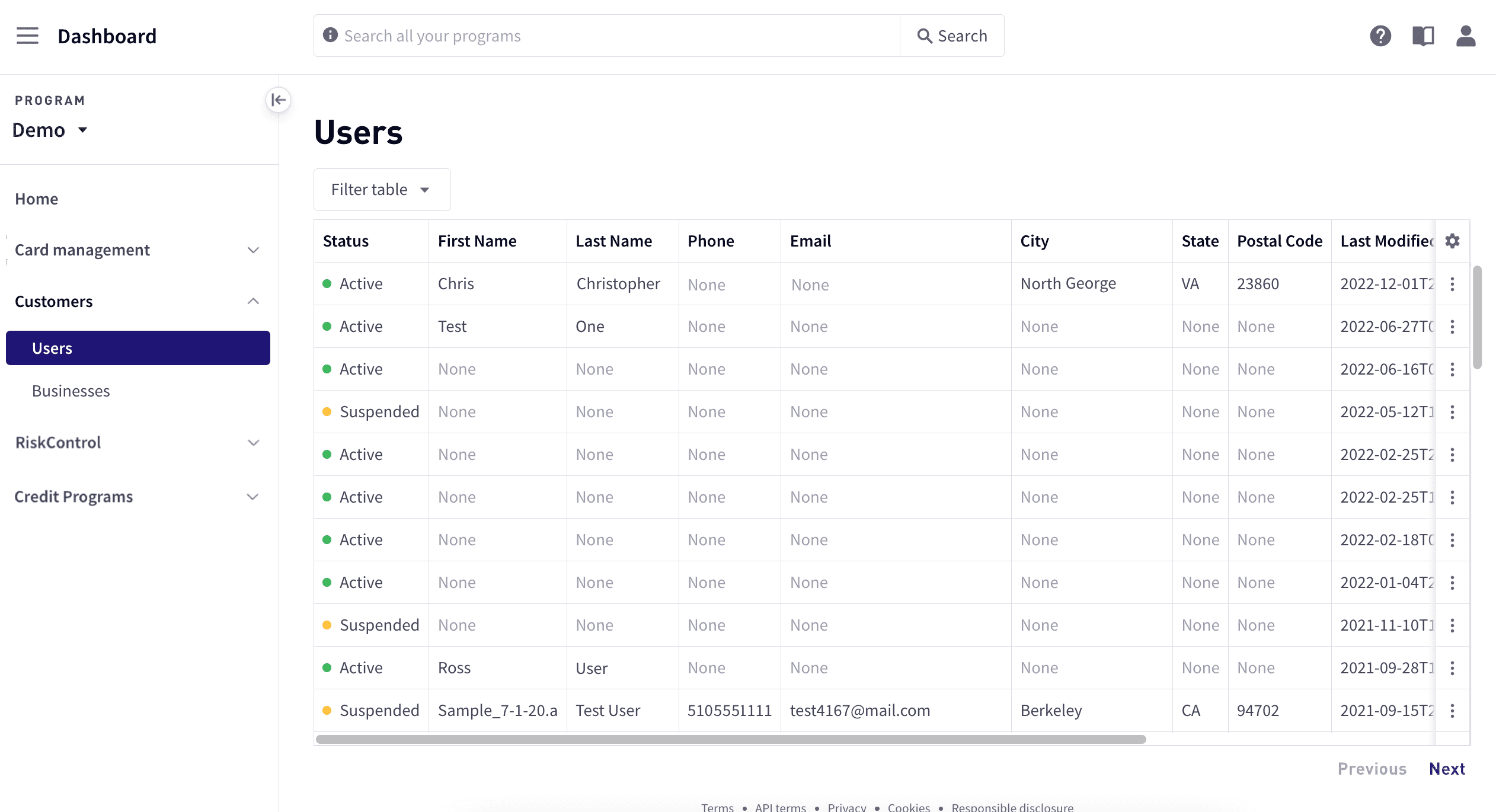
- Manage user and business information.
- Change user and business status.
- Access customer and business cards.
Manage transaction disputes
Marqeta enables you to manage the dispute process using the Marqeta Dashboard.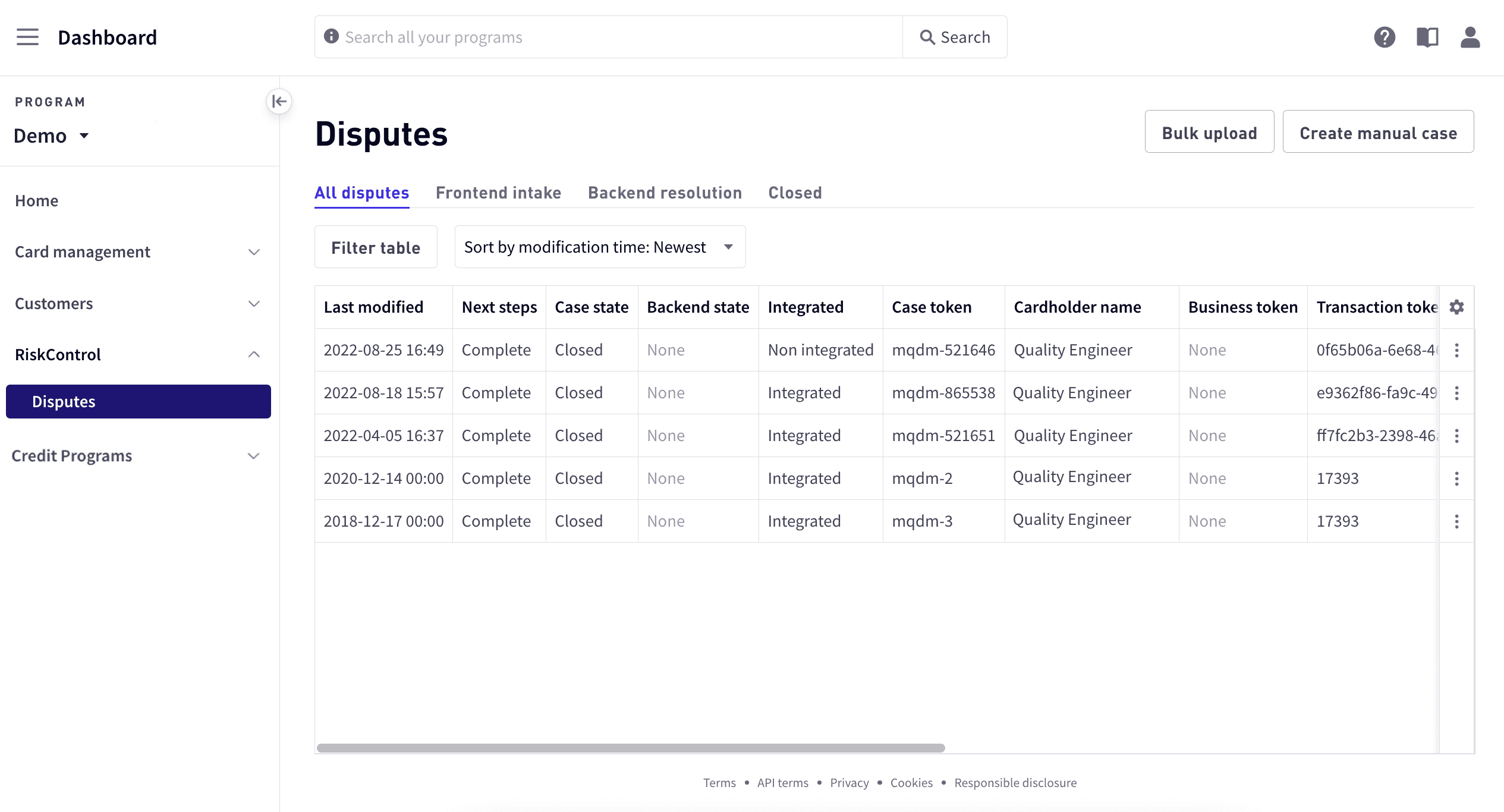
- Create a dispute.
- Manage dispute progress.
- Transition a dispute.
- Create disputes in bulk (Visa only).
Manage your credit programs
Use Credit Programs to manage your credit programs.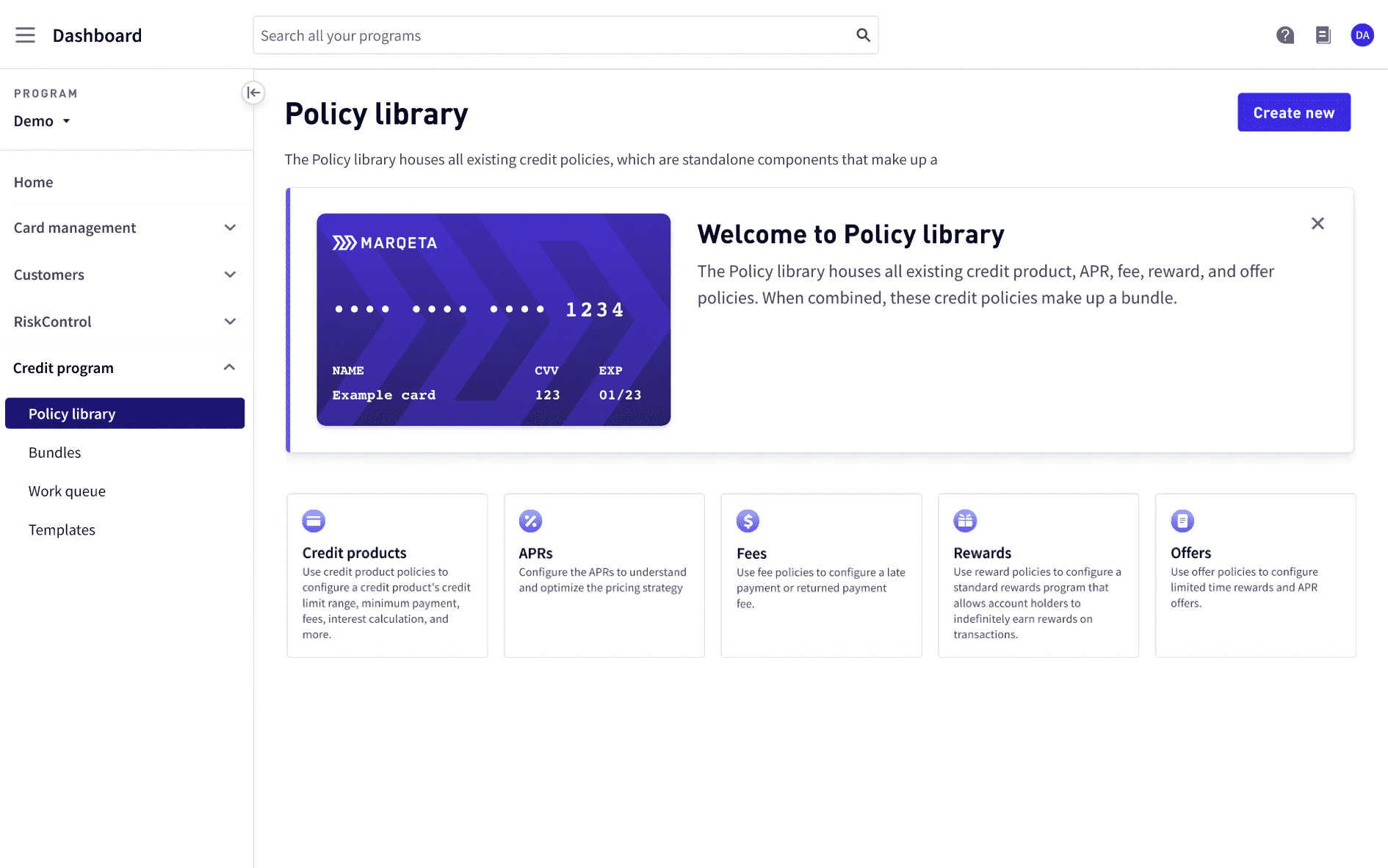
- Create and view credit policies for credit products, APRs, fees, and rewards.
- Create, activate, view, and archive bundles.
- View templates available for the program to use.
Manage options and users
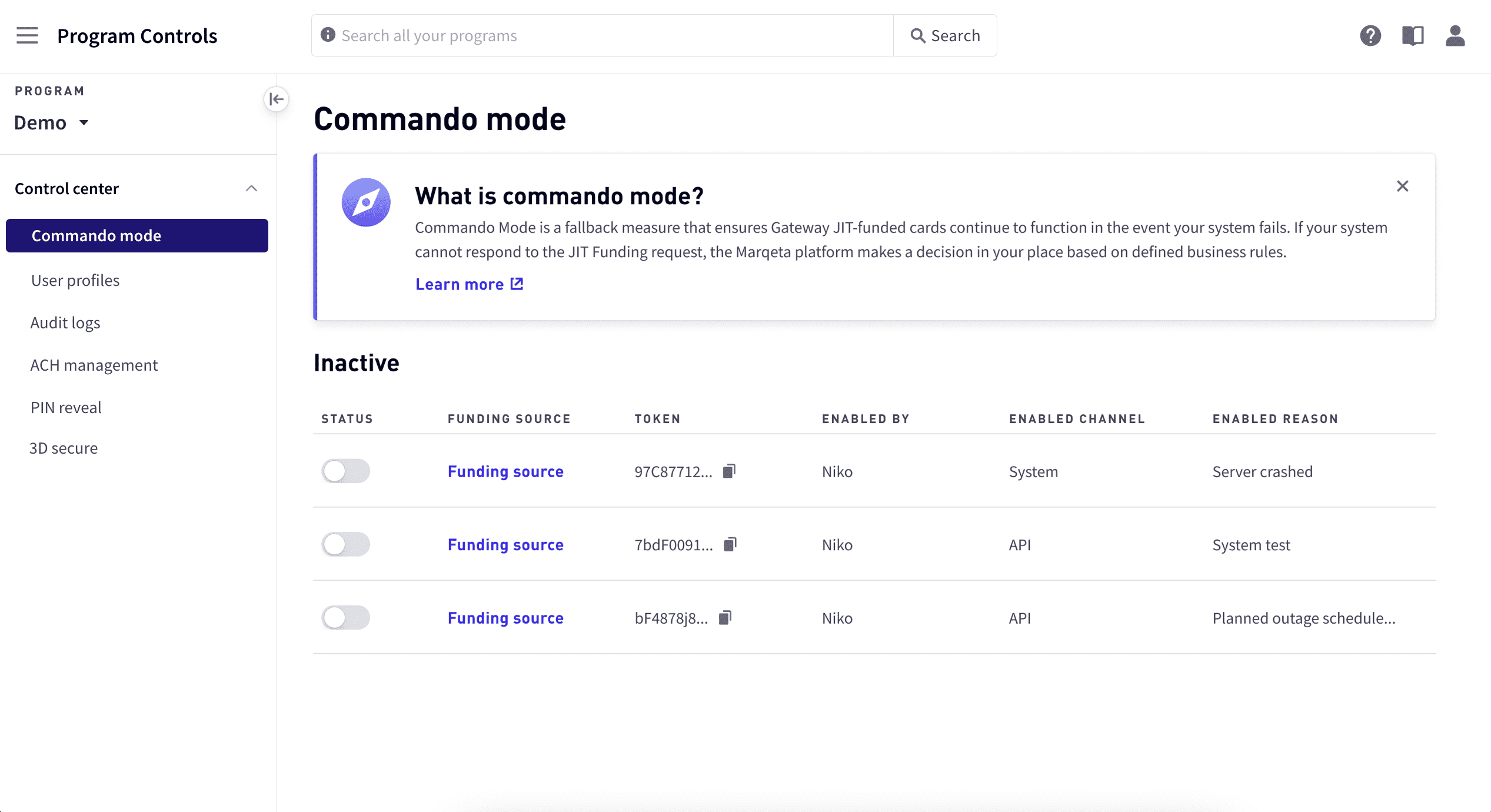
The Control Center allows you to manage Dashboard options and users, including:- Enable or disable Commando Mode.
- View audit logs.
- Manage ACH direct deposit.
- Access your sandbox
- Enable PIN Reveal and view history.
- Enable 3D Secure.
- Manage user access by adding and removing users, defining user roles, and impersonating users.
- Access developer tools